


The transcript takes six hours, the stock moves in six minutes: watching earnings calls and keynotes live in your language
Earnings calls and live keynotes rarely have translated subtitles. How to watch WWDC, Galaxy Unpacked, or any earnings call live in your language (2026).
- Skrevet af
- Newey Team
- Udgivet
- Opdateret
- Læsetid
- 11 min
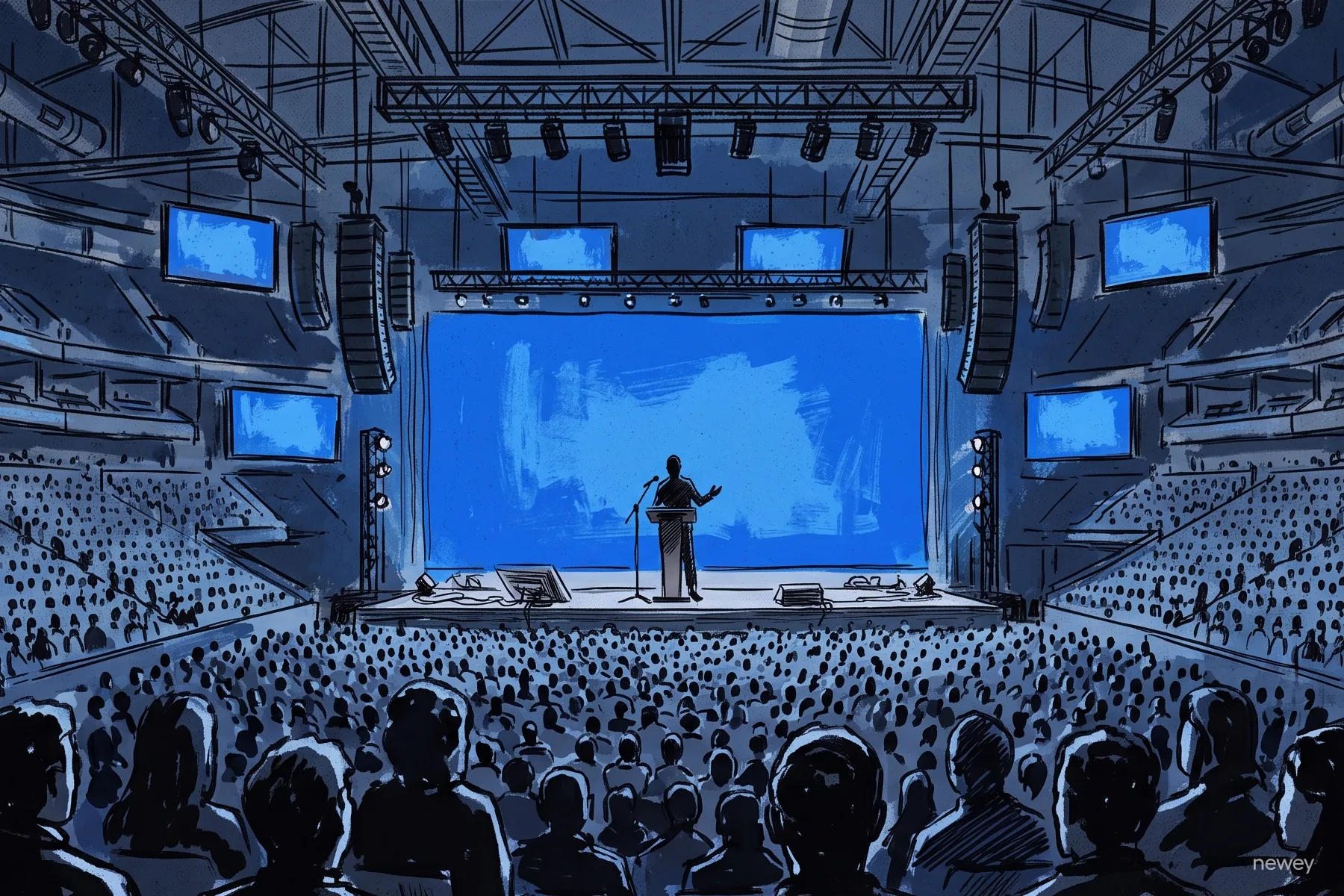
Picture this: Samsung's Galaxy Unpacked stream just went live, the presenter is speaking fast, polished English — and the subtitle button offers nothing in your language. Or it's late at night, a CFO is racing through quarterly numbers that could move your portfolio by morning, and the webcast player has no captions at all.
Here's the short answer up front: most earnings calls and tech keynotes stream live with no subtitles in your language. YouTube's automatic captions on live streams are English-only, companies almost never arrange live interpretation for a webcast, and professional transcripts take about six hours to appear. But you don't have to wait for the replay. A tool in your browser can listen to the stream's audio and show you translated captions as it plays — live, in your language. This guide walks through why the gap exists, what the free options really give you, and how to set up live translated captions in about a minute.
Why is there no official translation for live keynotes and earnings calls?
Let's start with the earnings call, because it's the starkest case.
An earnings call is a conference call or webcast where a public company explains its quarterly results. It usually runs 30–60 minutes, it's free, and anyone can listen in from the company's Investor Relations page. But it's produced for exactly one audience: English-speaking analysts. Even trillion-dollar companies typically run the call in English only — often with no captions on the webcast player at all.
Tech keynotes look more generous at first glance. Apple streams WWDC on apple.com, the Apple TV app, and YouTube, and Samsung streams Galaxy Unpacked on Samsung.com and YouTube, free for the whole world. The catch: the live broadcast is still English-first. Localized subtitles, dubbed replays, and translated recaps show up later, once the marketing team has had time to produce them.
Why not just hire interpreters? Cost and logistics. Live simultaneous interpretation — a professional re-speaking the event in another language as it happens — has to be booked per language, per event, with specialists who study the material in advance. We broke down what that involves in our honest comparison of AI and human interpreters. For a quarterly call watched by a few thousand people scattered across dozens of languages, almost no company does it.
So the live moment stays English, and everyone else waits. And that wait isn't free. A stock can reprice within minutes of one guidance sentence, while a standard professional transcript takes about six hours for a one-hour call. For keynotes the stakes are lower, but the feeling is the same — by the time the subtitled replay arrives, social media has spoiled every announcement.
Can't YouTube's automatic captions handle it?
That's what most people try first, and it's a fair instinct. On regular uploaded videos, YouTube's auto-captions are genuinely broad — dozens of languages, plus a viewer-side auto-translate button.
Live streams, though, play by different rules. According to Google's own documentation, automatic captions on a live stream:
- come in English only — no other languages;
- only work on normal-latency streams (that's the default broadcast delay setting — streams set to low or ultra-low latency, including mobile streams, get no captions at all);
- are still rolling out, mostly to channels with more than 1,000 subscribers;
- can degrade or vanish when the audio is poor or several people talk over each other.
There's a second catch: auto-translate needs something to translate. It only works when a caption track already exists — so a live stream without English captions gives it nothing to work with.
And earnings calls? They usually aren't on YouTube at all. They run on dedicated investor-webcast players that ship no captions of any kind.
Here's the whole menu of options at a glance:
Notice the pattern in the first four rows: you get live or your language — never both. Only the last approach, capturing the audio yourself in your own browser, gives you both at once. Let's set that up.
How do you get live translated captions for any stream?
The trick is called tab audio capture. Instead of hoping the event platform provides captions, a tool in your browser listens to the audio of the tab where the stream is playing, turns the speech into text, and machine-translates that text into your language — all in real time, a beat behind the speaker.
Because everything happens on your side of the screen, it doesn't matter who's streaming or where. A YouTube keynote, an investor-webcast player, a conference platform you've never heard of — if it makes sound in a browser tab, it can be captioned. (Ever wondered why live captions visibly correct themselves as they go? That's normal, and we explained it in How real-time speech translation works.)
Here's the setup, step by step:
- Open the stream in a desktop browser tab. Use Chrome or Edge — tab audio capture is a feature of Chromium-based browsers.
- Open your captioning tool in a second tab and start a session with tab audio as the input.
- Pick the stream's tab when the browser's share dialog appears.
- Tick the "Share audio" checkbox in that dialog. This is the step everyone misses — skip it and your tool hears silence.
- Choose your languages: the one being spoken (English, for most keynotes and calls) and the one you want to read.
- Drag the caption overlay onto the video. Most tools offer a small picture-in-picture window, so the captions sit right where you're already looking.
That's it — about a minute of setup. Before a big event, it's also worth checking three things in advance, calmly, rather than mid-keynote:
- Latency. Live translation always trails the speaker a little; around a second is the realistic best in 2026. Much slower than that, and Q&A gets hard to follow.
- Glossary support. Product names, executive names, and stock tickers are exactly what generic speech models fumble. A tool that lets you pin your own terms beforehand reads noticeably better.
- A saved record. If the tool keeps a transcript of your session, you can double-check anything you think you misheard once the official documents land.
What should you prepare for an earnings call specifically?
Keynotes are the easy case: scripted, rehearsed, evenly paced. Earnings calls are harder for one reason — density. Figures, finance jargon, and unscripted analyst questions, all packed into half an hour.
Three small preparations make a big difference:
- Load a finance glossary. Terms like EBITDA (earnings before interest, taxes, depreciation, and amortization) or basis point (one hundredth of a percent) have precise translations that generic models don't always pick. If your tool supports glossaries, switch on a finance term set — then add the company's own vocabulary: its ticker, product names, segment names, and the CEO's and CFO's names.
- Keep the transcript. Save your session record so you can verify any number after the call against the press release and the official filing. Think of live captions as a way to follow the call — the numbers that matter are always in the company's own documents.
- Know the shape of the call. The first half is prepared remarks, which largely restate the press release you can read in parallel. The second half is the analyst Q&A — unscripted, unpredictable, and unavailable in text form for hours. That's where live captions earn their keep.
Which big live events are worth this setup in 2026?
The rhythm repeats every year: a spring-to-summer run of developer conferences and launch events, plus four earnings seasons. Here are the 2026 anchors and where each one streams:
As of mid-July 2026, the next two are close: Galaxy Unpacked on July 22, and the Q2 earnings season, when most large US-listed companies report their June-quarter results. Both follow the same playbook — an English live stream now, localized material later.
The same one-minute setup covers the smaller stuff too: analyst days, developer livestreams, launch streams from companies that never localize anything. It also works in the other direction — a Japanese game showcase or a Korean tech briefing you'd like to follow in English. And if your interest is entertainment rather than earnings, we covered that angle in how to watch foreign anime, films, and series without subtitles.
When the event won't caption itself: Newey
Newey AI is a browser-based live translation captioning tool built for exactly this gap. It captures the audio of any tab — a YouTube keynote, an investor webcast, a conference stream — and floats translated captions over the video in a picture-in-picture overlay, in any of 60 languages, about a second behind the speaker. A glossary with curated expert packs (including finance) pins the jargon before the call starts, finished sessions can be kept in your history for post-call checking, and billing counts only the time captions are actually on — no matter how many languages you run. You can try it on the next keynote before deciding it's how you watch every one.
FAQ
Do earnings calls have subtitles?
Almost never. Earnings calls are webcasts run from the company's Investor Relations page, typically in English with no caption track at all. The accessible version of the call is the transcript, which professional services publish around six hours after a one-hour call. If you want live captions in your language, you'll need a tool on your side of the screen — such as a browser-based captioning tool that captures the webcast tab's audio.
Can YouTube translate a live stream into my language in real time?
Not today. YouTube's automatic captions on live streams are English-only, limited to normal-latency streams, and still rolling out channel by channel — and auto-translate needs an existing caption track to work from. The multi-language caption features you know from regular YouTube videos apply to uploads, not live broadcasts.
How can I watch WWDC or Galaxy Unpacked live with subtitles in my language?
Open the official stream in a desktop Chrome or Edge tab, then use a live translation captioning tool that supports tab-audio capture: share the stream's tab with "Share audio" ticked, set the spoken language to English and the caption language to yours, and drag the caption overlay onto the player. The whole setup takes about a minute and works on any site that plays audio in a tab.
How long after an earnings call is the transcript available?
Professional transcript services aim for roughly six hours after a one-hour call; companies often post their own transcript or replay later still. Media coverage of the headline numbers is faster, but the full Q&A — usually the most market-moving part — stays out of reach until a transcript lands.
Are AI live captions accurate enough for investment decisions?
Use them to follow the call, not as a source of record. Real-time recognition and translation in 2026 are good enough to track prepared remarks and Q&A comfortably — especially with a finance glossary loaded — but numbers, tickers, and names can still be misheard. Verify anything actionable against the company's press release and filings, which are published alongside the call.
Do I need special software or equipment?
No. Tab-audio capture works in desktop Chrome and Edge with nothing to install — browser-based tools like Newey run entirely as a web page. You just need the stream open in one tab and the captioning tool in another; the capture uses the browser's built-in "Share audio" capability, not your microphone.