


Lost in translation: every way to run a multilingual meeting (and what each really costs)
Human interpreters, Zoom/Meet/Teams built-in translation, or AI captions? Real costs, honest trade-offs, and a preparation checklist for meetings where not everyone speaks the same language.
- Written by
- Newey Team
- Published
- Updated
- Reading time
- 9 min
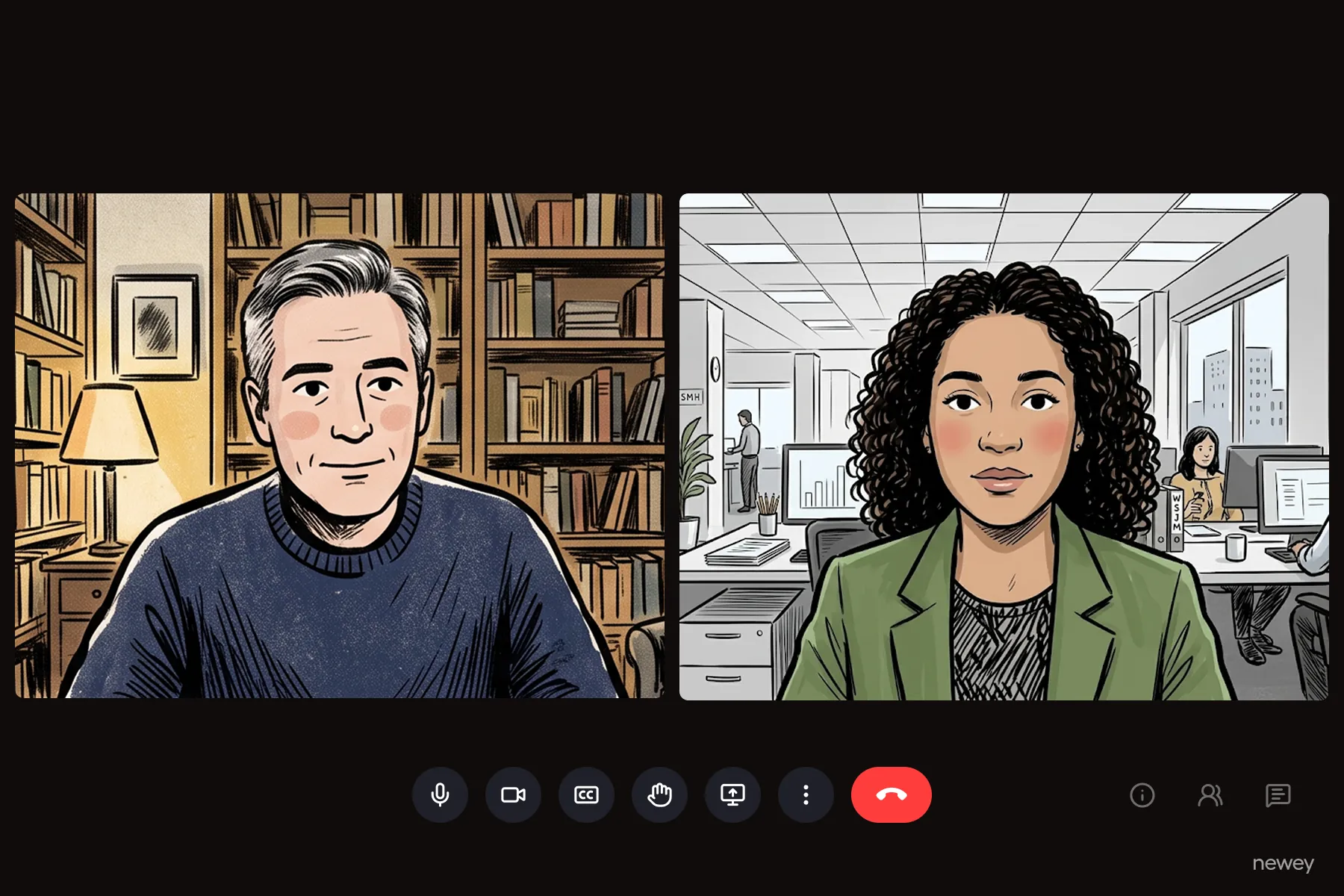
When not everyone in a meeting speaks the same language, you have three families of options: professional human interpreters (superb, but figure $600–1,200+ per interpreter per day, and they work in pairs), your meeting platform's built-in translated captions (Zoom, Google Meet, and Teams all have them — each locked behind a different paid tier), or an AI caption layer that works across any platform. Which one is right depends on your stakes, languages, audience, and budget. This guide walks through all three with real 2026 numbers, then gives you the preparation checklist that matters more than the tool you pick.
Why this is worth solving properly
Multilingual meetings aren't an edge case anymore. In a 2024 Capterra survey of 6,490 employees across 13 countries, 62% worked on a team with colleagues whose native language differs from their own — and language barriers ranked as the #2 obstacle to international collaboration (42%), just behind time zones. The cost of ignoring it is documented too: in the Economist Intelligence Unit's Competing across borders study, about half of executives admitted communication misunderstandings had stood in the way of a major cross-border deal, incurring significant losses.
And even for participants who do share a language, live captions measurably help: a review of over 100 empirical studies found captions improve comprehension, attention, and memory — with the strongest benefits for people following content in their non-native language.
Option 1: Professional human interpreters
Simultaneous interpretation — the UN-style, real-time kind — remains the gold standard for high-stakes settings: negotiations, legal proceedings, diplomacy, and keynotes where nuance and register matter.
What it actually costs in 2026:
- Interpreter fees. The professional association AIIC's client guidance cites market rates of $600–1,200 per interpreter per day; the official UN–AIIC agreement sets US daily rates around $836 for experienced interpreters. You pay by the day regardless of meeting length, and preparation time is included.
- They work in pairs. Simultaneous interpretation is so cognitively demanding that interpreters rotate every 20–30 minutes and always work in teams of at least two per language. Budget two interpreters per language pair, per day.
- Equipment (in-person events). Soundproof booths run roughly £200–500/day, with full interpretation packages at £1,000–3,000/day plus receivers per attendee; US industry guides put a 200-person, two-language conference at $8,000–12,000 in equipment alone.
Realistic total: a one-day event with two target languages typically lands in the $3,000–8,000 range before equipment, and well beyond it with booths and technicians.
Terminology worth knowing (definitions from the European Commission's interpretation directorate): simultaneous = interpreting while the person speaks, from a booth with equipment; consecutive = interpreting after the speaker finishes, from notes; whispered (chuchotage) = simultaneous interpretation delivered directly into a listener's ear.
If you go this route online, all major platforms can host the interpreters: Zoom and Teams both have native interpretation channels where attendees pick an audio channel. Remote simultaneous interpretation (RSI) platforms like Interprefy and KUDO also broker professional interpreters, priced per event.
Choose humans when: the stakes justify the budget, you have 1–3 language pairs, and nuance (humor, negotiation, legal precision) is the point.
Option 2: Your platform's built-in translated captions
All three major meeting platforms now translate live captions — but the gating differs enough that "just use the built-in" fails more often than you'd expect:
Each cell is sourced and unpacked in our deep dives: Zoom, Google Meet, and Teams.
The pattern across all three: same-language captions are free, translation is a paid-tier feature, and voice-level translation is early and narrow (5–10 languages, betas, usage caps). The built-ins work best when your whole organization lives on one licensed platform.
Choose built-ins when: everyone's inside your licensed domain, your languages are covered, and the meeting stays inside the platform.
Option 3: An AI caption layer that works anywhere
The third family decouples translation from the meeting platform entirely. Event-focused AI interpretation services (like Wordly, which sells annual hour packages and claims savings of up to 90% versus human interpreters) serve conferences; browser-based caption overlays serve everyday meetings by capturing the audio of whatever tab or app you're in and rendering translated captions on top.
The structural advantages of a layer over a built-in:
- Platform-independent — the same tool covers Zoom today, Meet tomorrow, a webinar platform next week, plus videos and in-person talks.
- No dependence on the host's licensing — you can caption a meeting you don't control.
- Audience reach — good layers can push captions to phones for in-room audiences, which no meeting platform does.
- Custom vocabulary — glossaries for product names and jargon, which none of the big three offer for captions.
The trade-off: captions appear as an overlay or second screen rather than inside the meeting UI, and (as with the built-ins) you're trusting machine translation — see our explainer on how real-time AI speech translation works and where it breaks for honest accuracy numbers.
Choose a layer when: licenses are mixed or missing, your languages exceed the platform's list, the audience spans rooms/platforms, or you want one tool for everything.
A simple decision framework
- High-stakes negotiation, legal, or diplomacy, 1–3 languages → human simultaneous interpreters (Option 1). Nothing else carries nuance as reliably.
- Internal meetings inside one licensed platform → built-in translated captions (Option 2). Check your tier first: Zoom needs Business Plus or the add-on, Meet needs Business Standard+, Teams needs Premium on the organizer.
- Mixed audiences, guest-heavy calls, events, hybrid rooms, or >3 languages → AI caption layer (Option 3), possibly alongside a human interpreter for the keynote.
- Tight budget, occasional need → Option 3 is the lowest-cost family today.
The preparation checklist (whatever you choose)
Tool choice gets the attention, but preparation determines the outcome. The same list serves human interpreters and AI systems alike:
- Fix the audio first. Recognition and interpretation quality collapse with distant microphones and cross-talk — this is measurably the biggest accuracy factor. One close mic per speaker; never rely on a laptop mic across a conference table.
- Prepare the vocabulary. Share speaker names, product names, acronyms, and agenda with your interpreters — or load them into your AI tool's glossary. Interpreters' prep time is included in their day rate; use it.
- Enforce one speaker at a time. Overlapping speech defeats humans and machines equally.
- Brief your speakers: moderate pace, complete sentences, minimal idioms and wordplay.
- Tell attendees how to get their language — in the invite, not at minute zero: which caption button, which audio channel, or which QR code.
- Rehearse 15 minutes early with the actual room, mics, and tool.
- Plan the artifact: will there be a transcript or recording, and in which languages? (Note platform limits — e.g., translated content is often excluded from recordings.)
- Remember accessibility. Captions serve deaf and hard-of-hearing colleagues — 1.5 billion people worldwide have some hearing loss — not only non-native speakers.
The lightweight default for most teams
For everyday global meetings — the weekly sync with the Tokyo team, the customer call in Spanish, the all-hands with new colleagues in three countries — the pragmatic answer in 2026 is an AI caption layer, escalating to human interpreters when stakes demand it.
That everyday case is what Newey is built for: it runs in your browser (Chrome/Edge, no install), captures your meeting tab or mic directly, and floats live translated captions over any app — Zoom, Meet, Teams, a webinar, or a video — in 60 languages, up to 3 at once. For rooms and events, attendees scan a QR code to read captions in their own language on their phones, and a custom glossary handles your product names and jargon. Bring it to your next multilingual meeting and keep this guide's checklist handy.
FAQ
How much does simultaneous interpretation cost in 2026?
Plan on $600–1,200 per interpreter per day (AIIC market guidance; the UN–AIIC US rate is ~$836), two interpreters per language because they rotate every 20–30 minutes, plus equipment for in-person events — from a few hundred pounds for a booth to five figures for large multi-language conferences.
Can Zoom, Google Meet, or Teams translate meetings automatically?
Yes — all three translate live captions on paid tiers: Zoom via Business Plus or a $5/user add-on (details), Meet from Workspace Business Standard (details), Teams with Premium or Copilot on the organizer (details). Free plans get same-language captions only.
What's the difference between simultaneous and consecutive interpretation?
Simultaneous happens while the person speaks (booth, equipment, or whispered); consecutive happens after the speaker pauses, reconstructed from notes — roughly doubling meeting time, which is why it suits small bilateral meetings rather than conferences.
What's the cheapest way to add live translation to a meeting?
If the organizer already has the right license, the platform built-ins cost nothing extra. If not, browser-based AI caption overlays are the lowest-cost family — Newey is one of them.
How accurate are AI-translated captions?
On clear audio with a good microphone, modern speech recognition approaches human transcription accuracy on standard benchmarks; noise, accents, and jargon degrade it substantially. See our deep dive with the actual numbers.
Do I still need human interpreters if I use AI captions?
For high-stakes nuance, yes. Many organizations run both: human interpreters for the keynote or negotiation, AI captions for breakouts, Q&A, and languages the interpreter team doesn't cover.
Deep dives: Zoom translated captions · Google Meet translated captions · Teams live translated captions · How real-time AI speech translation works